
Create a list and add accounts or contacts
Workspace → Lists holds collections of specific accounts (on the Accounts tab) and contacts (on the Contacts tab), such as target accounts, an event audience, or contacts you chose after research. To group sequence templates and operators instead, see Organize sequence lists.
You can create and fill a list in several ways:
- From Discover: In Tools → Discover, filter accounts or contacts, select rows, choose Add to list, and pick a list or create one.
- In Lists: Select Create list, choose Account list or Contact list, enter a name, and select Create.
- From a CSV file: Open a list, select Add to list, and choose Upload CSV. For contact files, see Import contacts.
- From Chat or an agent: Ask Chat or an agent to save the accounts or contacts it found to a new or existing list. Chat creates and updates lists directly, without an approval card.
Starting with a Sales Navigator audience? Import and review those contacts first, then add the resulting Athean contacts to your list.
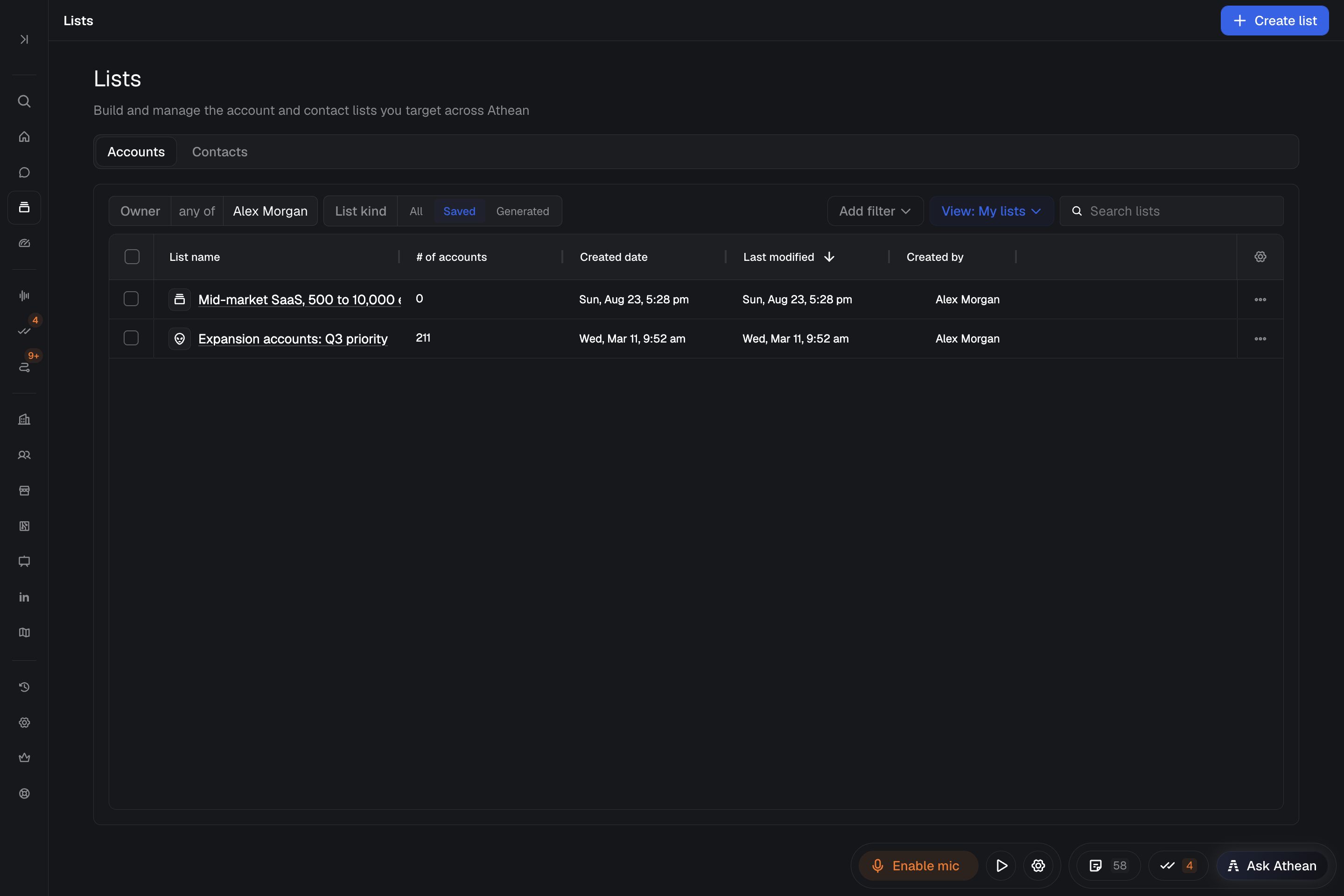
Filter records inside a list
Open a list and use Add filter to narrow the members shown. Account lists offer Account filters; contact lists offer Account and Contact filters. Filtering changes only what the table shows; it doesn't remove members from the list. Save filter combinations you reuse as saved views.
Remove records from a list
- Open the list in Workspace → Lists and select the rows you want to remove.
- Select Remove in the bulk action bar.
Removing an account or contact from a list removes only its membership in that list; the record and its activity history stay in Athean.
Use a list in tasks, sequences, and agents
- Create tasks: In a contact list, select contacts and choose Create task to create general or call tasks, then work them in Task flow.
- Add to a sequence: Select contacts and choose Assign sequence to add them to a template or operator. Operator drafts wait for review in Approvals. See Sequences.
- Scope an agent: Name the list when you set up an agent or ask Chat, so scheduled research or prospecting covers exactly that set of accounts or contacts.