
Overview
ZoomInfo is one of several data enrichment vendors your organization can bring to Athean. It is optional: your team's available data depends on the providers you connect and the access you have with them. To connect ZoomInfo or another enrichment provider, chat with us.
Athean integrates with ZoomInfo so your team can use contact and company data in prospecting and outbound workflows. The OAuth connection lets a ZoomInfo customer authorize access on behalf of their organization without pasting an API key into Athean.
This document explains how the ZoomInfo connection works, what data Athean accesses, and how to manage or disconnect the integration. For the prospecting workflow, see Import contacts, which covers Sales Navigator, enrichment, and CRM import.
What data we access
Once connected, Athean uses your organization's authorized ZoomInfo connection. Available data depends on that connection's access and entitlements. It can include:
- Contact records: names, titles, business email, direct dial, and other professional contact details.
- Company records: firmographics including industry, headcount, revenue, technologies, and corporate hierarchy.
Athean only retrieves data needed to fulfill the action a user has requested (for example, enriching a CRM record, building a list, or surfacing an insight on an account). Data is handled in line with our Privacy Policy and Terms of Use.
How to connect Athean with ZoomInfo
The connection uses ZoomInfo's official OAuth 2.0 flow. You will not need to generate or paste an API key.
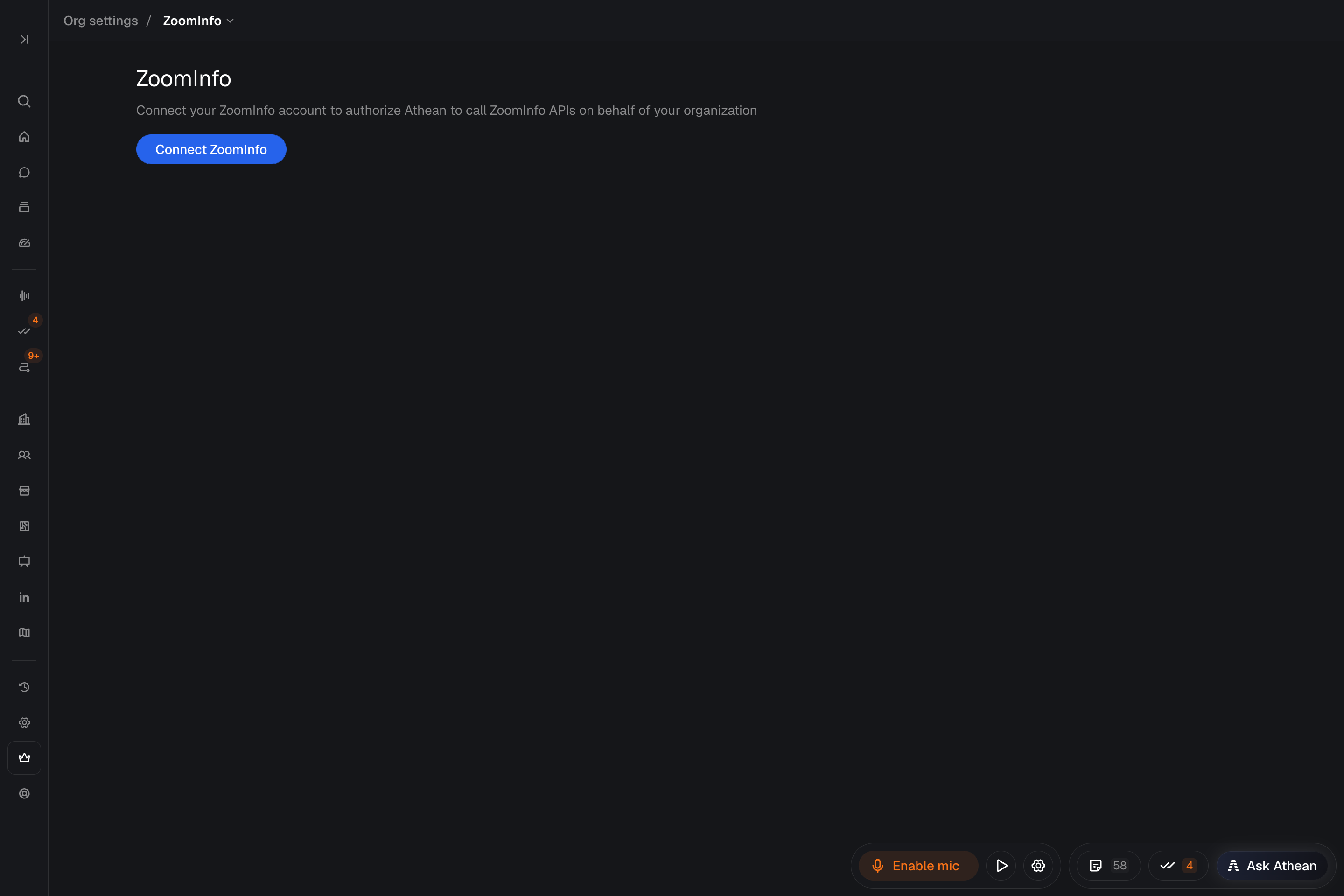
- Open Org settings → ZoomInfo: If you do not have access to your organization's settings, ask your administrator or contact support.
- Click "Connect ZoomInfo": Athean will redirect you to the ZoomInfo authorization screen. You may be asked to sign in to ZoomInfo if you do not already have an active session.
- Review and approve permissions: ZoomInfo will display the scopes Athean is requesting. Review the permissions and our Privacy Policy and Terms of Use. Click Authorize to grant access.
- Check the confirmation: After authorization, Athean displays a confirmation that ZoomInfo is connected. You can close that page and return to your workflow.
Permissions and scopes
Athean requests access to ZoomInfo's contact and company data for the features you use. Athean does not write to or modify your ZoomInfo records. Access is limited by the authorization and entitlements of your organization's connection.
Managing your ZoomInfo connection
Change or disconnect ZoomInfo
To change or disconnect your organization's ZoomInfo integration, contact support. This is a shared data connection, so coordinate changes with your administrator.
Data removal requests
To request that ZoomInfo data Athean has stored on your behalf be permanently removed, contact your organization administrator or email Athean support at support@athean.com. We will confirm receipt and complete removal in line with our retention policy.
Important notes
Mutual customer requirement: The Athean <> ZoomInfo OAuth integration is available to organizations with an active ZoomInfo subscription. Athean does not resell or proxy ZoomInfo data to non-customers.
Admin approval may be required: Depending on your ZoomInfo administrator's settings, individual users may need admin approval before they can authorize the Athean OAuth app for the first time.
If you have questions about the connection, the data we access, or how to set up your team, reach out to support@athean.com.